


How to determine if WS Socket Clevis is overloaded?
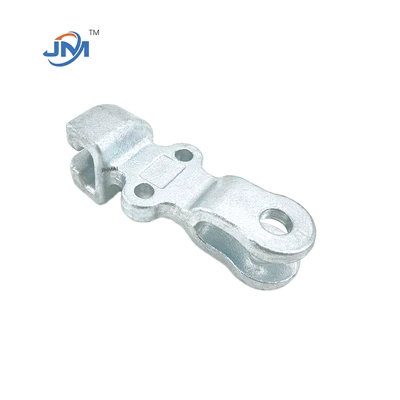

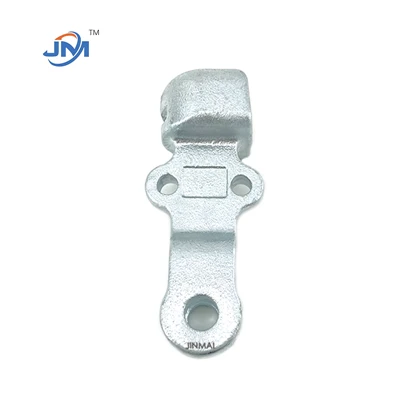
Check the rated load, which is the maximum allowable load at the time of design, usually provided by the manufacturer in the product manual.
Observe the appearance of the connection part. If there is obvious deformation (such as bending or twisting), it may be a sign of overload. Check whether the bolts or pins are loose or deformed due to excessive stretching.
If the connection between the ball head of the insulator and the socket clevis is loose or abnormally worn, it may be due to excessive load. Whether the sag of the insulator string increases abnormally, this may indicate that the load exceeds the design range.
Check regularly and record its status changes. If the wear or deformation of the connector is found to be accelerated, it may be an early sign of overload. Use professional tools to load test the connector to ensure that its actual load is within the safe range.
In harsh environments (such as high wind speed, low temperature or corrosive environment), the actual load-bearing capacity of the connector may decrease.


